




































 Payroll Country Blog
Your constant source for helpful, useful, and entertaining content about payroll, human resources or anything else that will help you manage your workforce.
 Video Series
Conversations with experts in a wide range of HR/HCM topics, for the benefit of anyone whose job it is to manage a workforce or take care of people.
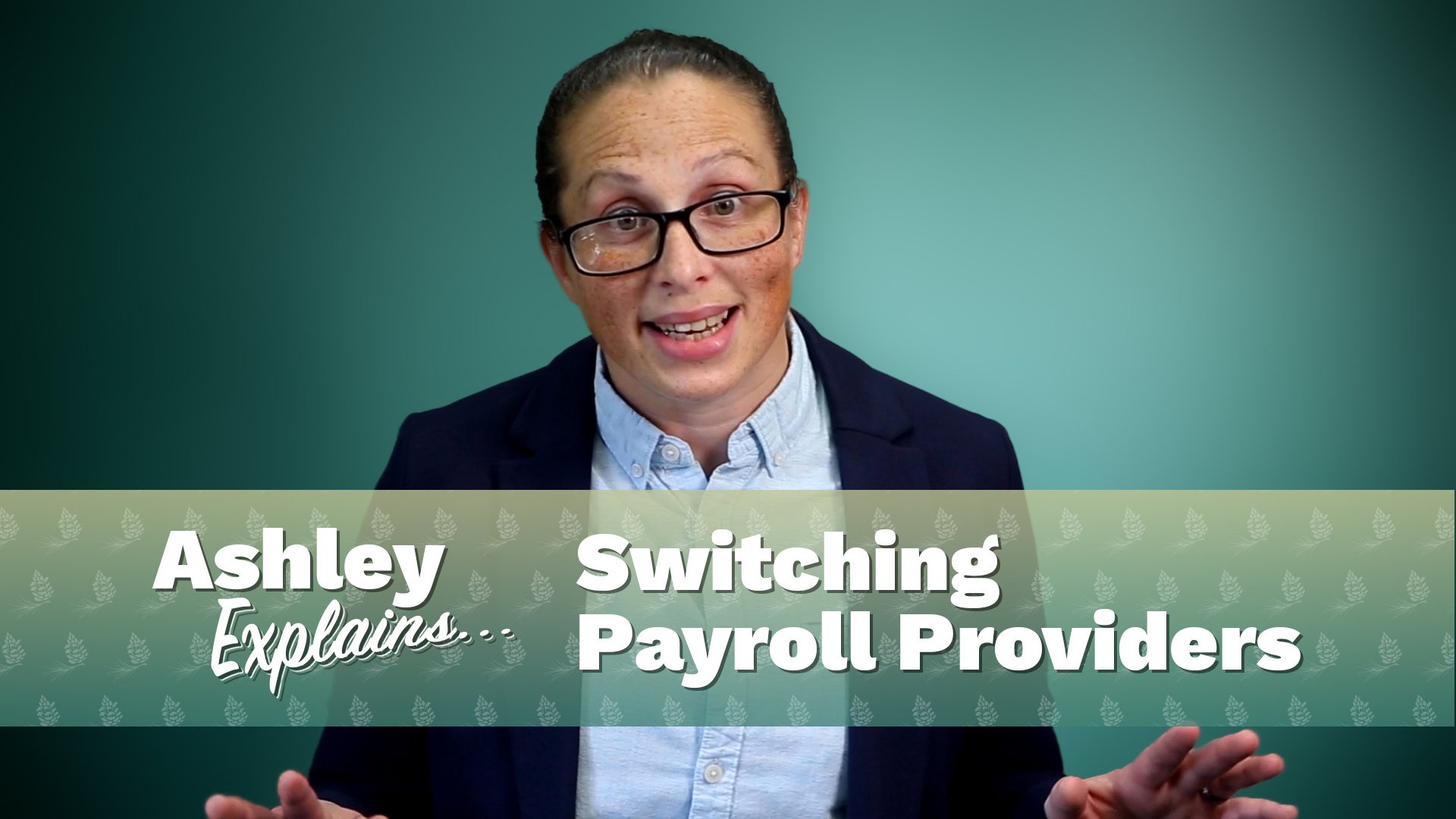
Our Implementation Manager Ashley Hamilton gives you the facts about tax, labor laws, and a whole lot more.
Our very own Jen Strait and Emily Martin from Ally HR Partners tackle common HR issues and provide practical advice to help you manage your workforce more effectively!
 Demo Video Library
Welcome to our comprehensive - yet growing - library of instructional how-to videos that focus on a variety of functions across our software platforms. Scroll down and filter by category or use the search bar to find exactly what you're looking for.
 Employer Guides
An extensive and ever-growing library of super handy employer guides on everything from human resource topics, important Labor Law updates, how to approach payroll for your company's industry, and much more.
 Software Downloads
Quickly reference and download software platforms, installation guides, middleware and other critical files you may need as a client to properly process critical payroll and HR functions with Complete Payroll.
 What is Payroll Country?
In Payroll Country, people come first, manners aren't optional and a job isn't done until it is. Sure, we're headquartered in a small, rural town. But Payroll Country isn't just where we're from. It's our philosophy of how business should be conducted. Welcome!
 Careers
 Client Referral Program
Earn payroll credit for bringing your colleagues and friends to Payroll Country!
 Client Testimonials
Check out what some of our most loyal clients have to say about their Payroll Country experience, or leave some kind words about your own.
 Switching Payroll Companies
Our clear and simple implementation process removes all of the guesswork and friction, so can switch payroll providers seamlessly and without disruption to your business.
 Get Instant Blog Notifications

/Blog%20Feature_1200x630_20260409%20-%20The%20Strategic%20Advantage%20of%20401(k).jpg)